<p></p> <img src="https://s3.us-east-2.amazonaws.com/dcr-apis/wp_contents/uploads/DCR-ADMIN/AdobeStock_439365356.webp" alt="undefined" style="height: ;width: "/> <p></p> <p><em>Originally written by Vladimir Galant of 911 PC Help </em></p> <p>When liquid spills on your laptop, knowing how to react can make all the difference. If the computer is asleep/turned off, your initial instinct may be to wake it up/turn it on to see if it still works. In reality, this is the worst thing you can do. If there’s liquid on the motherboard, turning it on can cause a short and damage your hard drive.</p> <p>The best thing to do after liquid spills on your laptop is shut it off immediately. It’s also a good idea to disconnect the AC adapter and remove the battery. Next, turn the laptop upside down and let it sit to dry. If it’s just a water spill, you can (carefully) use a hair dryer to speed up the drying. Ideally, you should let your laptop dry for two or three days before turning it on. In most cases, it’ll work fine.</p> <p>If the spilled liquid is sticky (soda, coffee with creamer), the damage may be more severe. In this case, I recommend taking your laptop to a computer service company to get its data backed up.</p> <p><a href="https://www.diamondcertified.org/" target="_self">Use Diamond Certified Resource to find top rated companies.</a></p> <p><strong>Related Articles</strong><br><a href="https://www.diamondcertified.org/Guide/Computer-Device-Repair/" target="_self">The Essential Guide to Computer & Device Repair</a><br><a href="https://www.diamondcertified.org/find-expert-advice/" target="_self">Get Expert Advice From Owners of Top Rated Local Companies</a><br><a href="https://www.diamondcertified.org/membership/" target="_self">Become a Diamond Certified Preferred Member (Always Free)</a> </p>
What to Do When Liquid Spills on Your Laptop
September 30, 2022
Originally written by Vladimir Galant of 911 PC Help
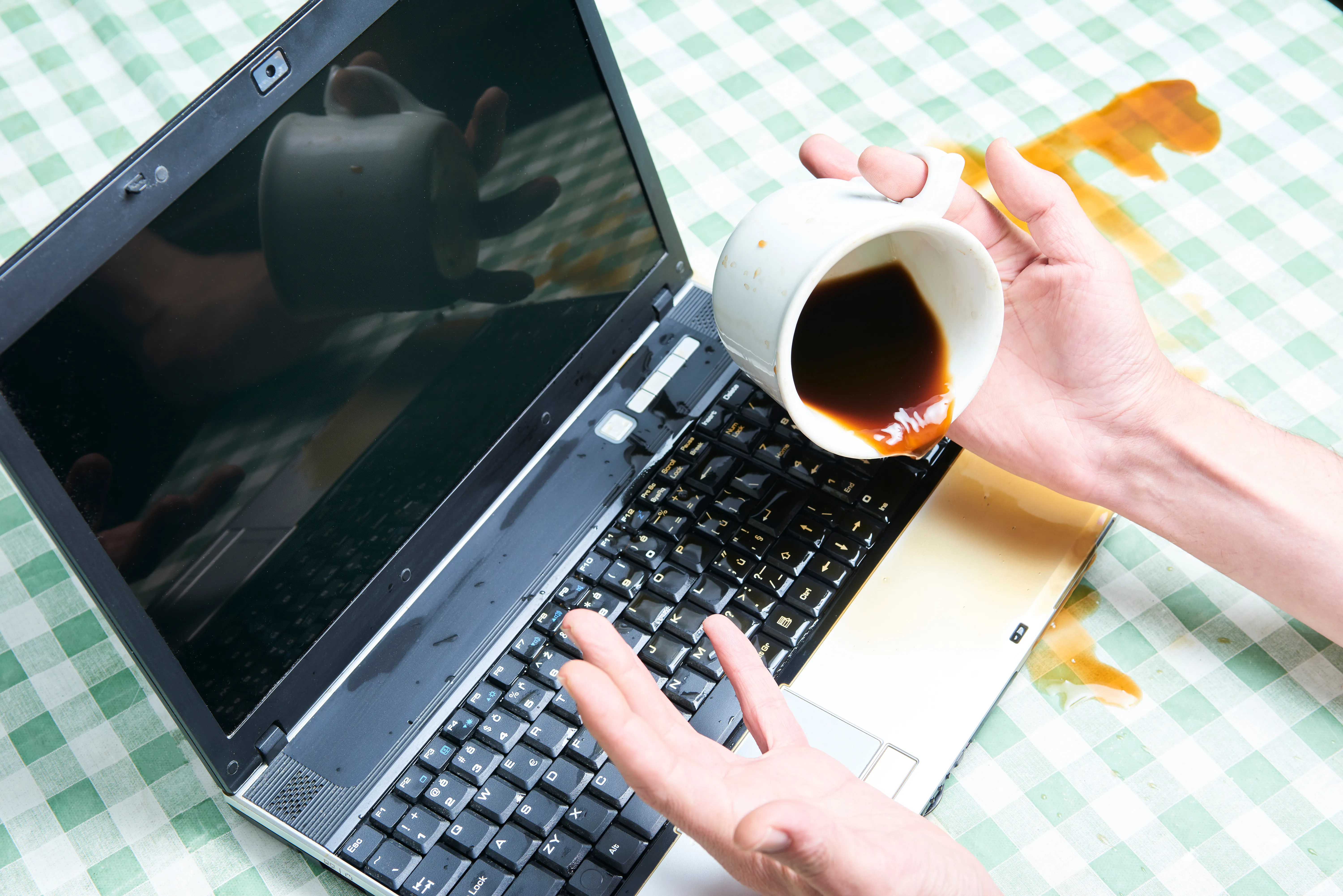
When liquid spills on your laptop, knowing how to react can make all the difference. If the computer is asleep/turned off, your initial instinct may be to wake it up/turn it on to see if it still works. In reality, this is the worst thing you can do. If there’s liquid on the motherboard, turning it on can cause a short and damage your hard drive.
The best thing to do after liquid spills on your laptop is shut it off immediately. It’s also a good idea to disconnect the AC adapter and remove the battery. Next, turn the laptop upside down and let it sit to dry. If it’s just a water spill, you can (carefully) use a hair dryer to speed up the drying. Ideally, you should let your laptop dry for two or three days before turning it on. In most cases, it’ll work fine.
If the spilled liquid is sticky (soda, coffee with creamer), the damage may be more severe. In this case, I recommend taking your laptop to a computer service company to get its data backed up.
Use Diamond Certified Resource to find top rated companies.
Related Articles
The Essential Guide to Computer & Device Repair
Get Expert Advice From Owners of Top Rated Local Companies
Become a Diamond Certified Preferred Member (Always Free)